09 / 11·Secure·CCTV
CCTV for Office Singapore: Planning and Installation
Coverage at the entrance and risk points, planned into the fit-out.
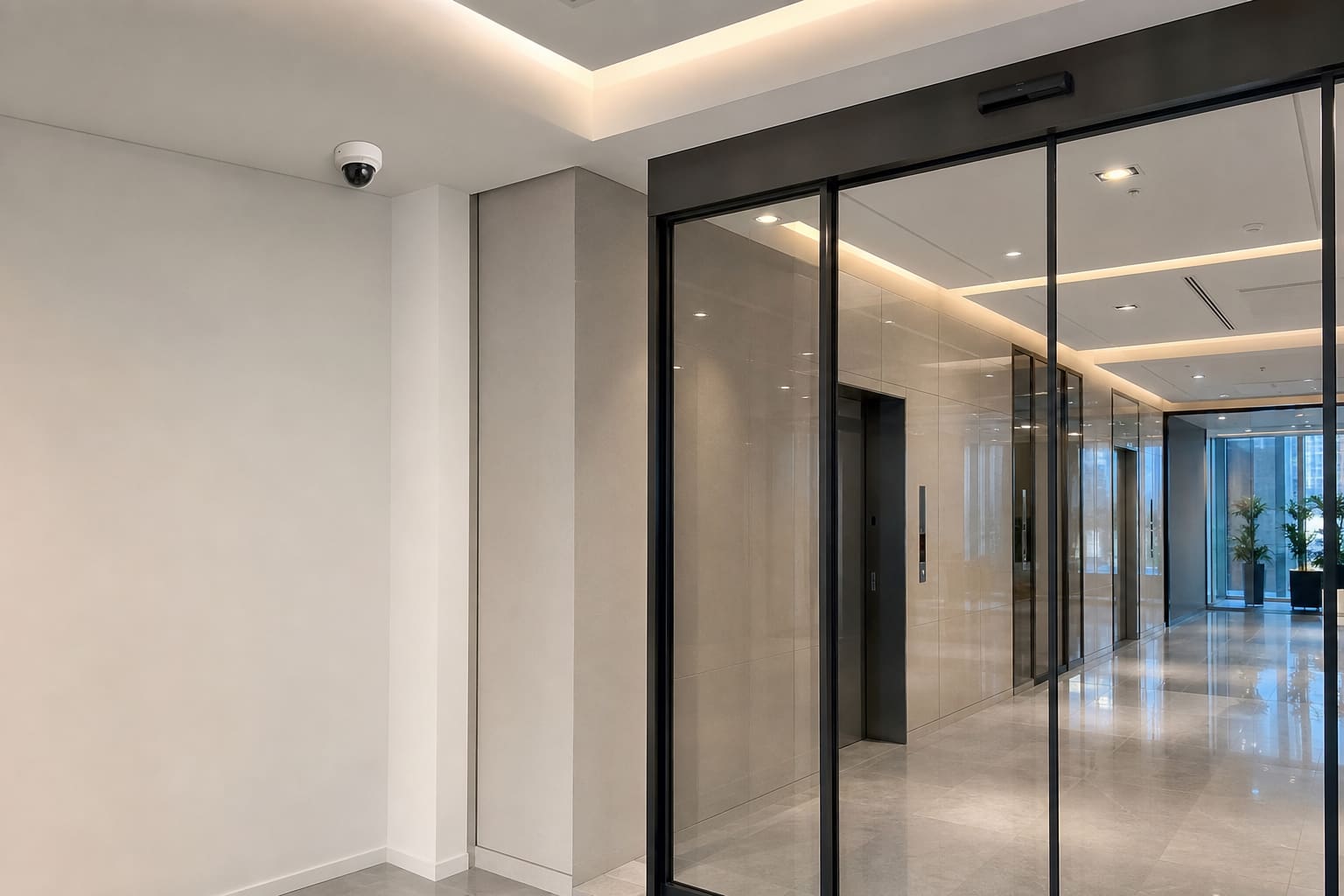
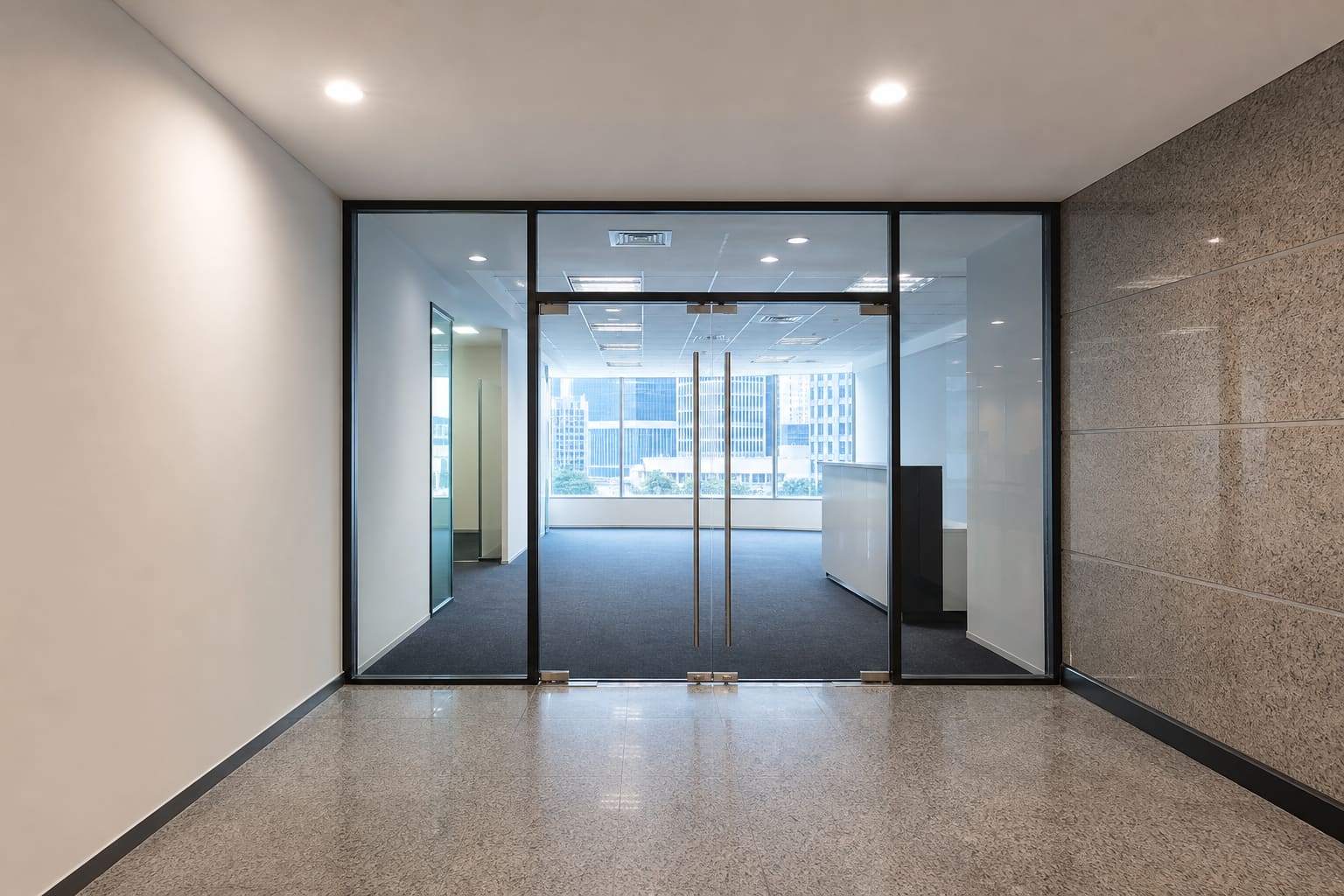
Before: Entrance and corridor with no camera coverage
After: Discreet CCTV covering the entry approach
CCTV for an office in Singapore works best when it is planned with the fit-out: camera positions, cable routes, and the recorder location are fixed before ceilings close and walls are painted. We plan coverage around the points that matter (usually the entrance, reception, and rooms holding equipment or stock), run the cabling with the rest of the electrical and data works, and hand over a system your team knows how to use.
CCTV is one part of office security. It works alongside digital locks on the main door and sensitive rooms, and both are part of our office fit-out and renovation service.
What our office CCTV installation includes
- A coverage plan marked on your floor plan, agreed before installation
- Camera supply and installation for the agreed positions
- Network cabling to each camera, run during first fix so nothing is surface-mounted later
- A recorder in your comms rack or a secure cabinet, sized for the recording period you want
- Remote viewing set up on the phones of the people you nominate
- CCTV notices at the entrance, and a walkthrough at handover on finding and exporting footage
Where to put cameras in an office
| Location | Why |
|---|---|
| Main entrance, inside and out (within your unit) | Who comes and goes, and when; the most useful camera in most offices |
| Reception | Visitors, deliveries, and the front desk |
| Server or comms room door | Access to network equipment |
| Storage and stock rooms | Equipment, samples, or documents of value |
| Back-of-house or service door | A second way in that is easy to forget |
Cameras do not go in toilets, changing areas, or nursing rooms, and we avoid pointing them at screens or individual desks unless there is a clear reason. Fewer, well-placed cameras are more useful than many cameras filming aisles.
Options to choose
- IP cameras powered over the network cable (PoE). One cable per camera carries power and video, which keeps ceilings tidy. This is the usual choice for new office fit-outs.
- Dome, turret, or bullet cameras. Domes and turrets suit ceilings and look discreet; bullets suit corridors and longer views.
- Resolution and lens. Higher resolution helps identify faces at the door; a wider lens covers a room but shows less detail.
- Low light. Useful if the office is monitored after hours with lights off.
- Recording and storage. The recorder’s storage decides how many days of footage are kept. Tell us how far back you want to be able to look.
- Remote viewing. Live and recorded footage on a phone app for the people you choose.
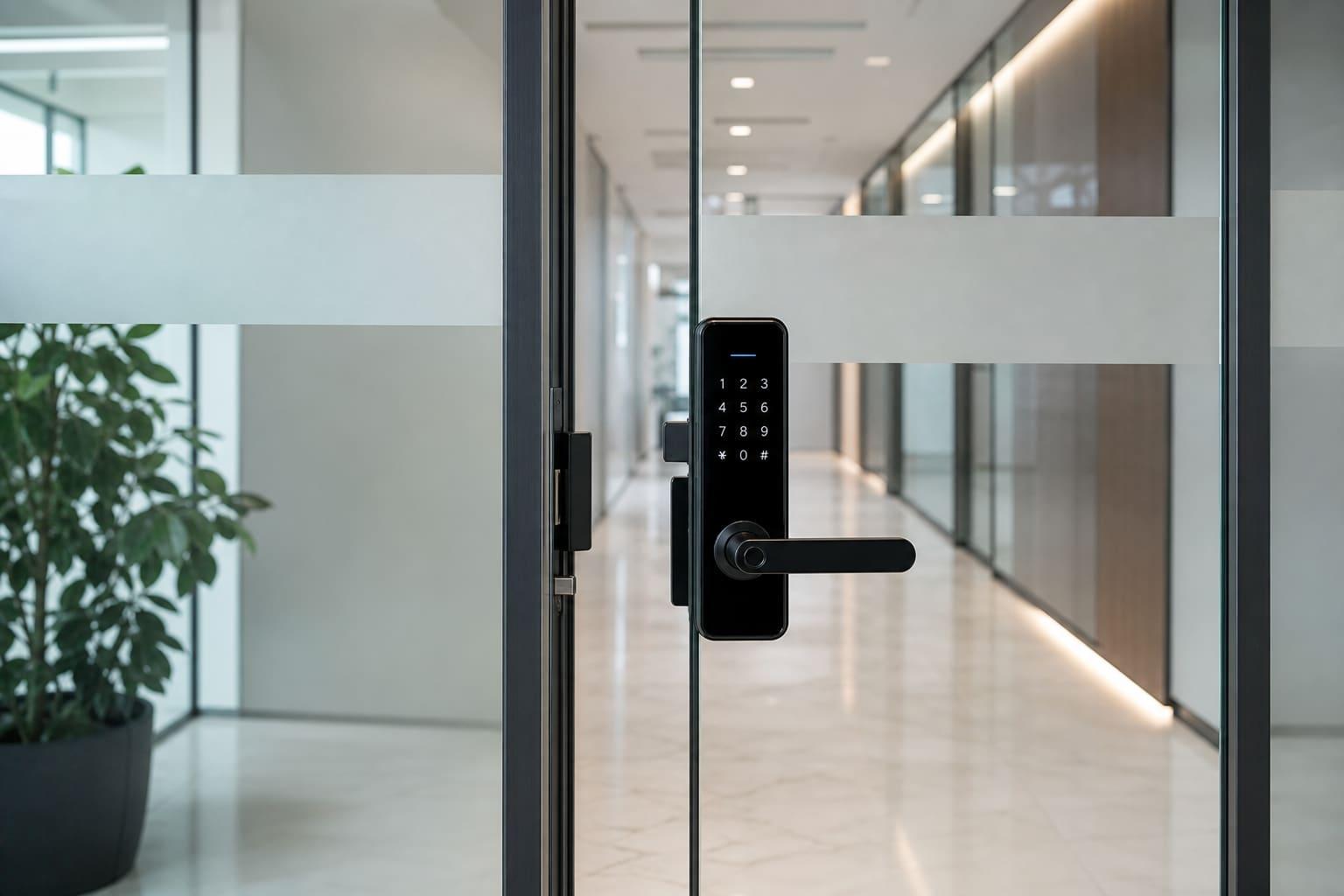
- Working with access control. Cameras at doors fitted with digital locks let you match a door event to the footage.
Cabling, power, and the recorder
Most of the work in an office CCTV installation is the cabling. Each camera needs a cable back to a network switch, and the recorder needs a secure, ventilated place with power, ideally on a UPS so it keeps recording through a short outage. Planning this during the fit-out means cables run inside walls and ceilings and the recorder sits in the comms rack with your other network equipment. Our electrical works team runs the power and containment at the same time. Planning a proper comms room as well? See our technology office fit-out guide.
Privacy and footage
CCTV that records people is covered by Singapore’s Personal Data Protection Act (PDPA). In practice that means telling people CCTV is in operation with clear notices, limiting who can view and export footage, keeping it only as long as you need it, and not filming private areas. We put up the notices and set user access during handover; your company decides its own retention and access policy.
Landlord and MCST approval
Cameras inside your unit normally go into the fit-out submission with the electrical drawings. Cameras facing common corridors, lift lobbies, or outside the unit line are a different matter: many buildings restrict them or need separate approval, and some already run their own CCTV in common areas. We check the building’s rules before the coverage plan is final.
Process and timeline
- Coverage plan. Agree camera positions and recording needs during design.
- First fix. Cables and containment are run with the electrical and data works, before ceilings close.
- Install. Cameras go up after ceilings and painting, so they are not damaged or moved.
- Commission. Angles are set, recording is tested, and remote viewing is configured.
- Handover. We walk your team through viewing and exporting footage.
Within a fit-out, CCTV adds little time because it follows the same programme as the other trades. Adding cameras to an existing office is usually a short job once the cable routes are confirmed.
FAQ: CCTV for office Singapore
How many CCTV cameras does an office need?
Many small offices start with the entrance and reception, then add cameras for the server room, storage, or a second door. The coverage plan is based on your layout and risks, not a fixed number.
Can I view office CCTV on my phone?
Yes. We set up remote viewing for the people you nominate, with access limited to them.
Do I need landlord approval to install CCTV?
For cameras inside your unit, the fit-out submission usually covers it. Cameras facing common areas often need the building’s specific approval or are not allowed.
Can you add CCTV to an office we already occupy?
Yes. We survey cable routes first; where ceilings are accessible, installation causes little disruption.
Planning office security? Read our office security guide, or tell us about your office and we will propose a coverage plan.
CCTV for offices in Singapore: camera placement, cabling, recording and remote viewing, installed during your fit-out so security is built in.